Esso fueling App
for Exxon
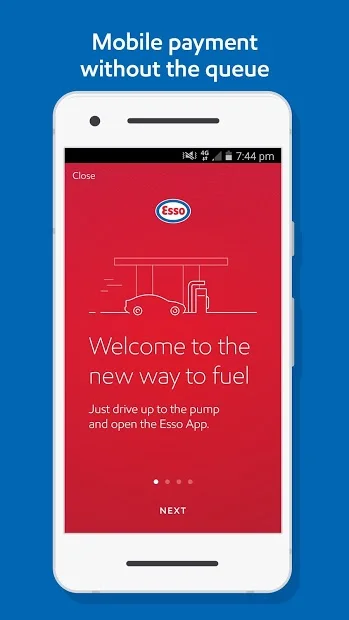
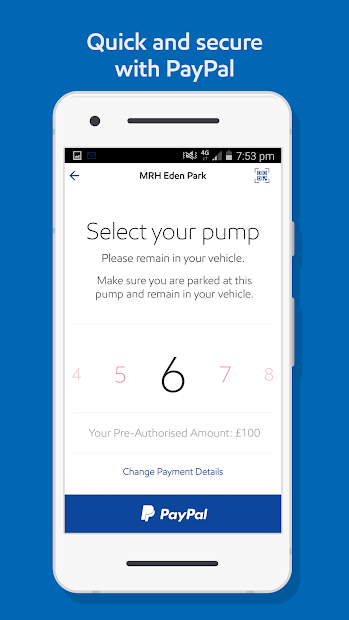
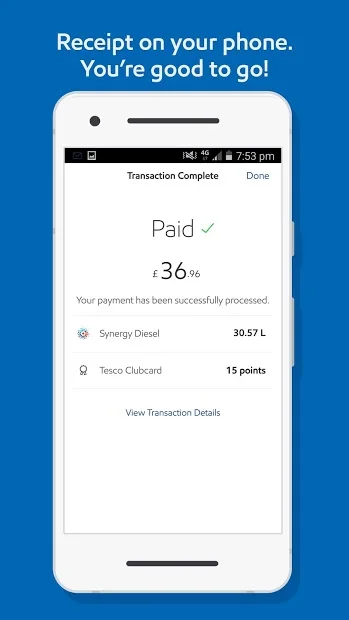
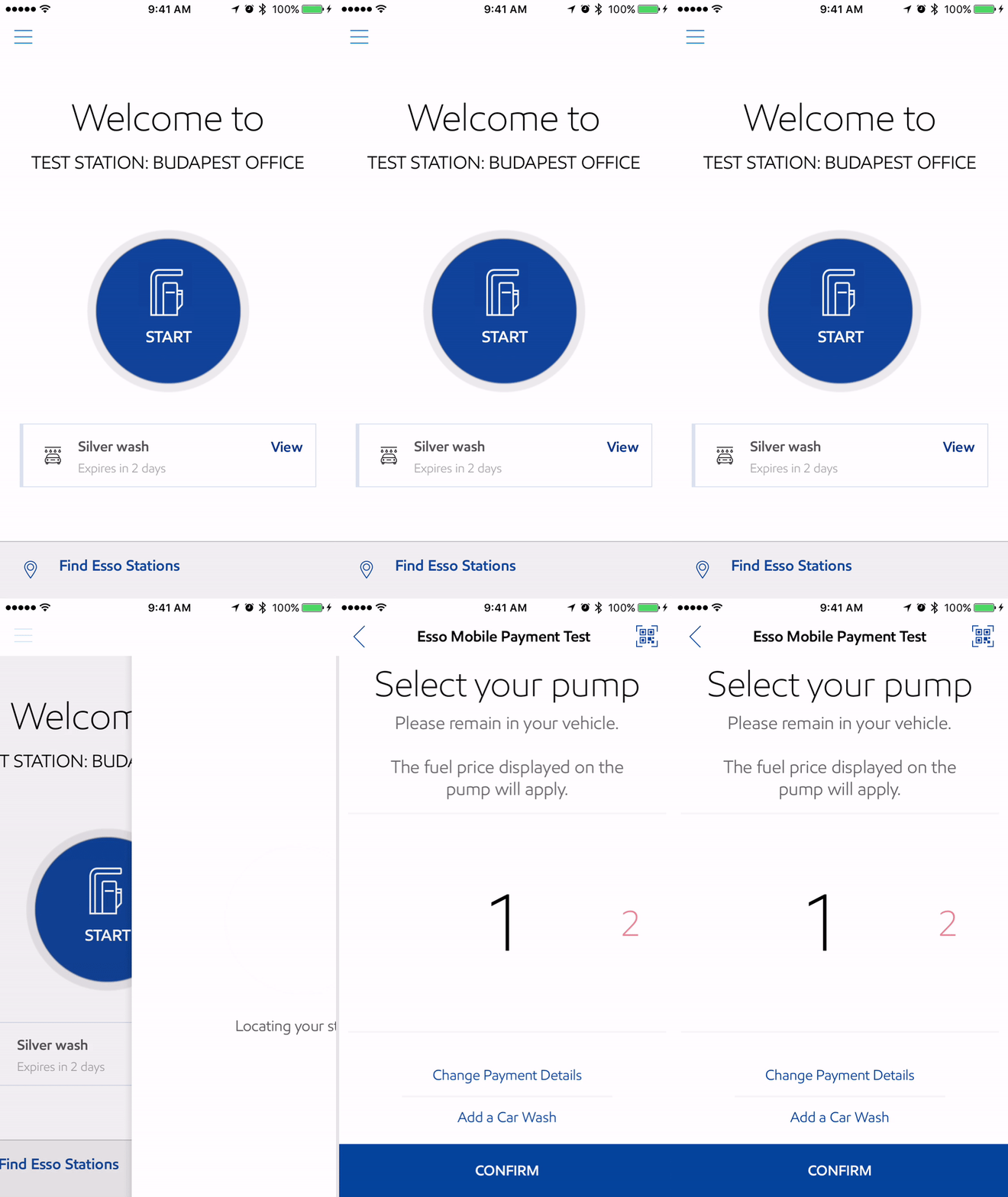
Usability testing, design enhancement and development support for an in-station mobile app in the UK and European market.
Project: A fueling app for Exxons’ Esso brand for the UK market, where queueing at petrol stations is a common pain point. frog Munich and London offices worked on phase 1 product discovery and strategy. This project is the second phase of work where we expanded the key flows into a full design system, supported development and gave creative direction to client design teams who were working on iOS app designs.
Process: We started this phase of work by evaluating initial designs via usability testing in the UK. As we conducted 2 rounds of usability testing and qualitative research, we shared findings in workshops with clients and development partners. Made enhancements based on findings. We also were supporting development efforts, taking part in daily scrums followed by calls to answer specific development questions. The other track of work was supporting client design team who were extending the Android designs into iOS.
My role and responsibilities: I led usability testing, made design improvements, expanded the initial foundational design system to cover most use cases, did design and functionality QA, gave direction to client design and development teams. This was a 4 month effort where I was running the day-to-day relationship with client product owners and their design and development partner teams.
usability testing
Development support
wireframing
functional documentation
client lead
creative lead
project highlights
1. usability testing & Concept evaluation
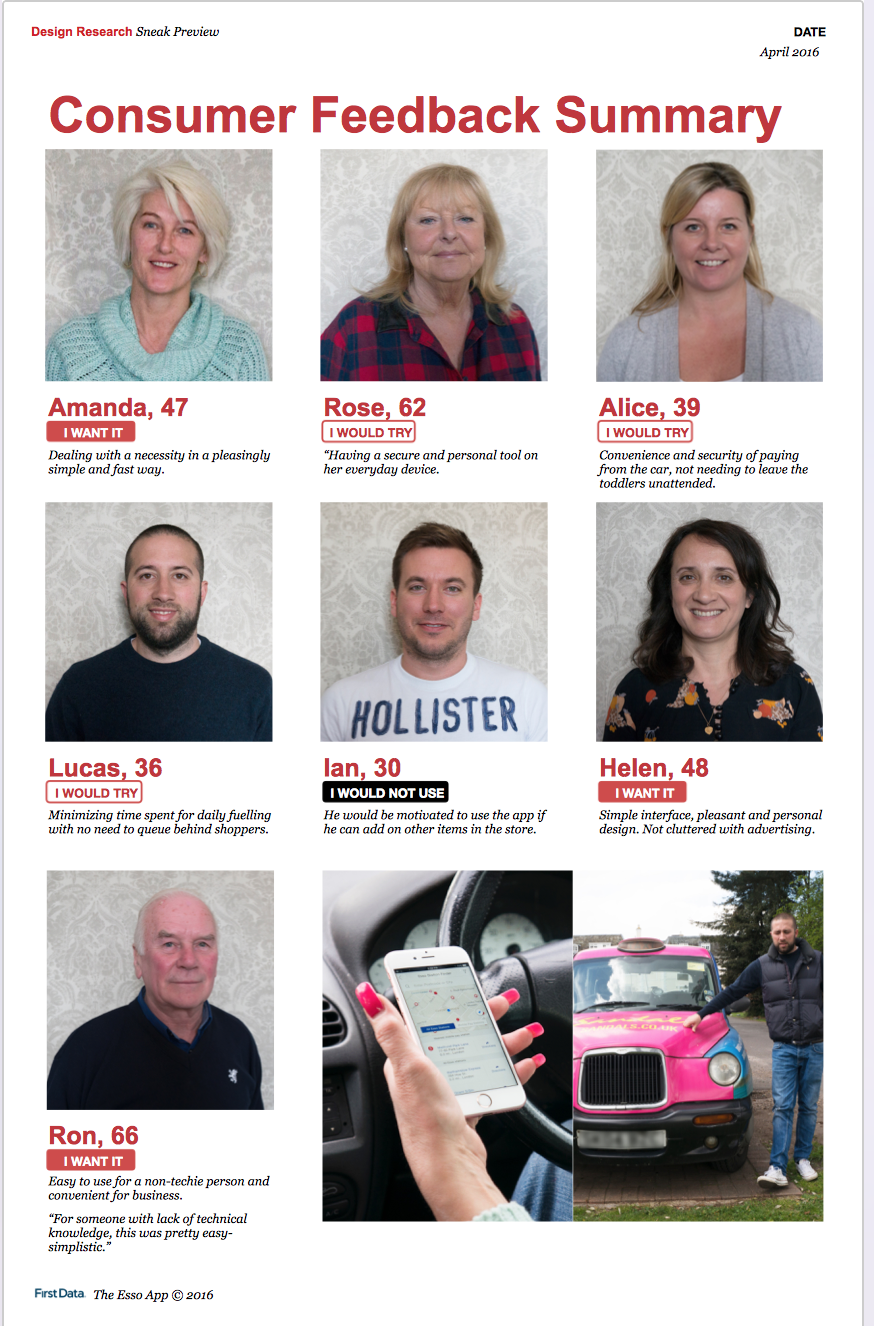
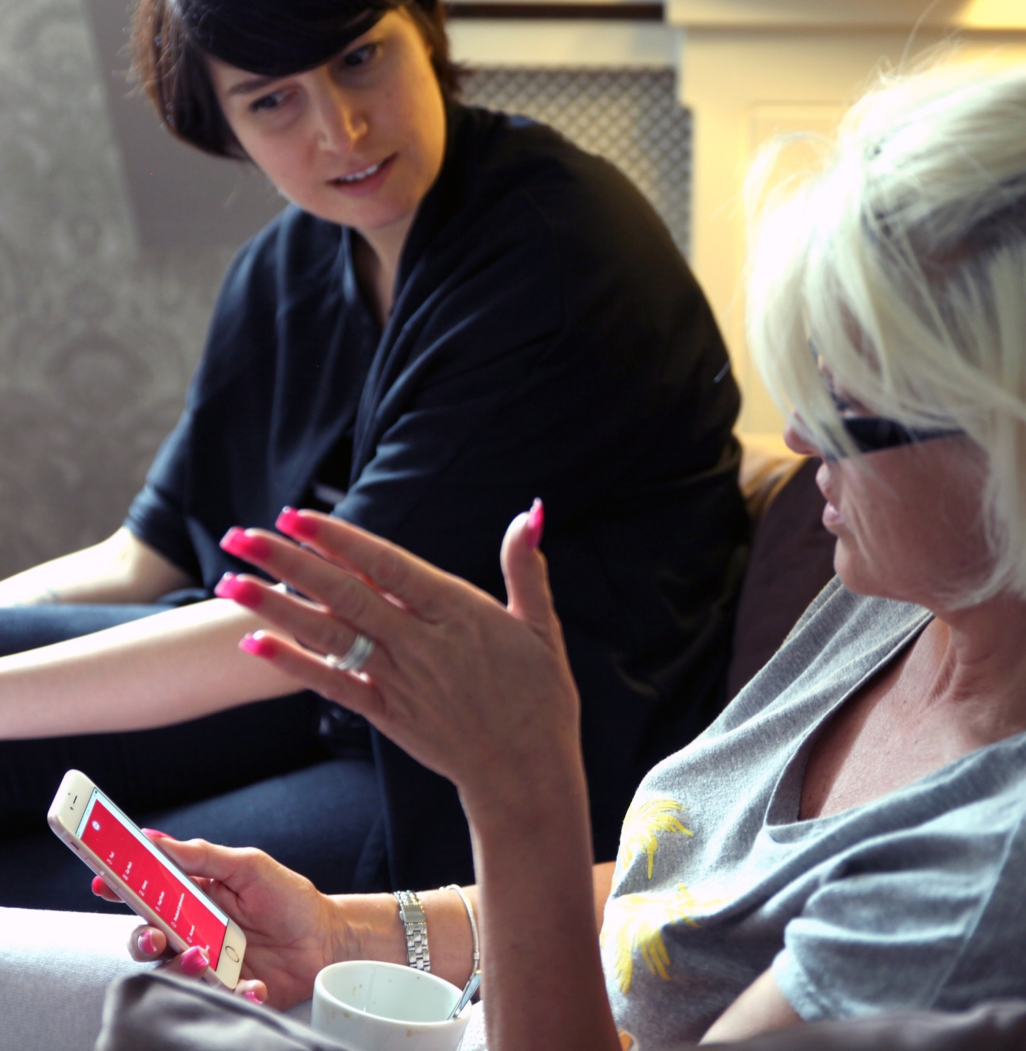
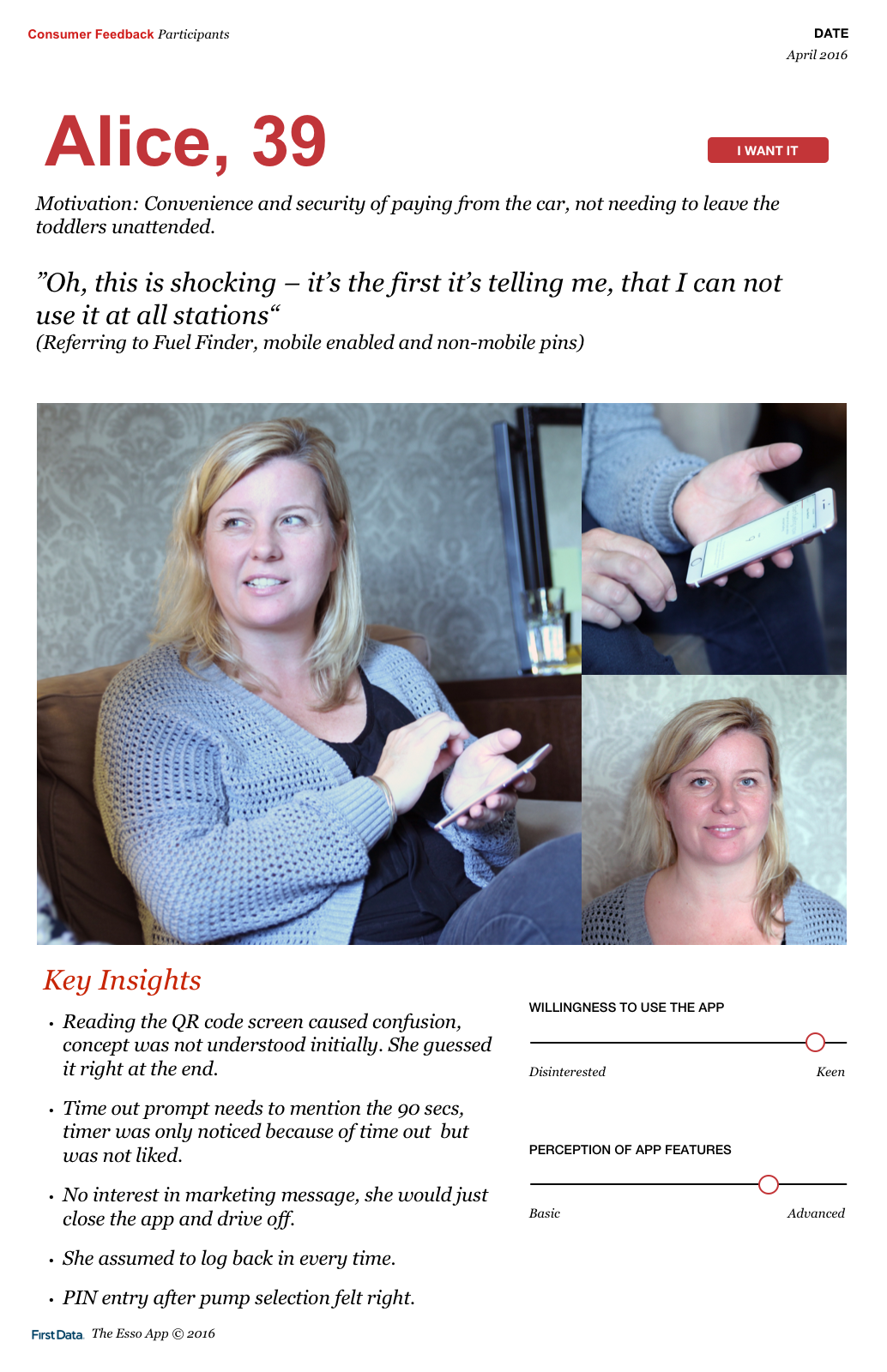
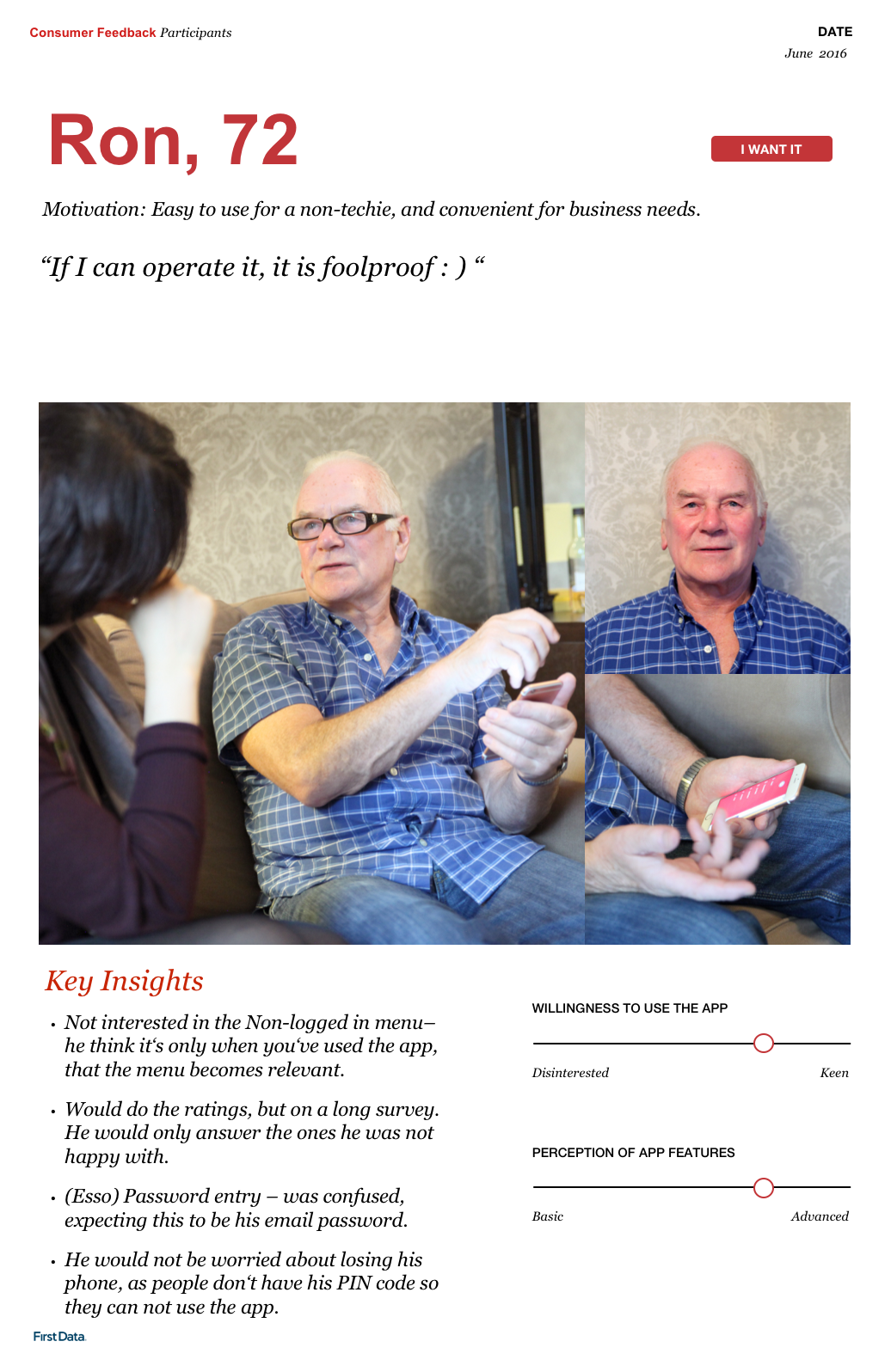
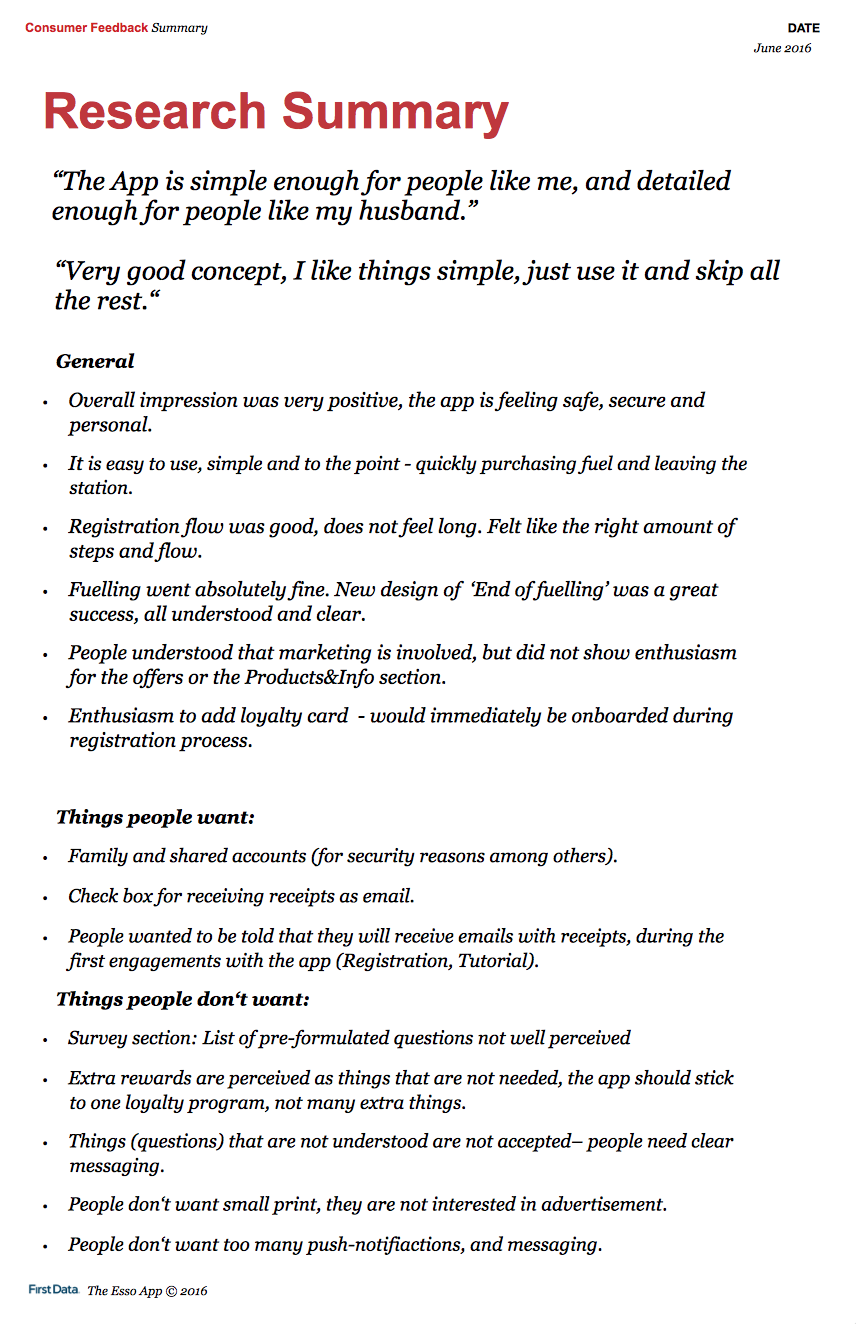
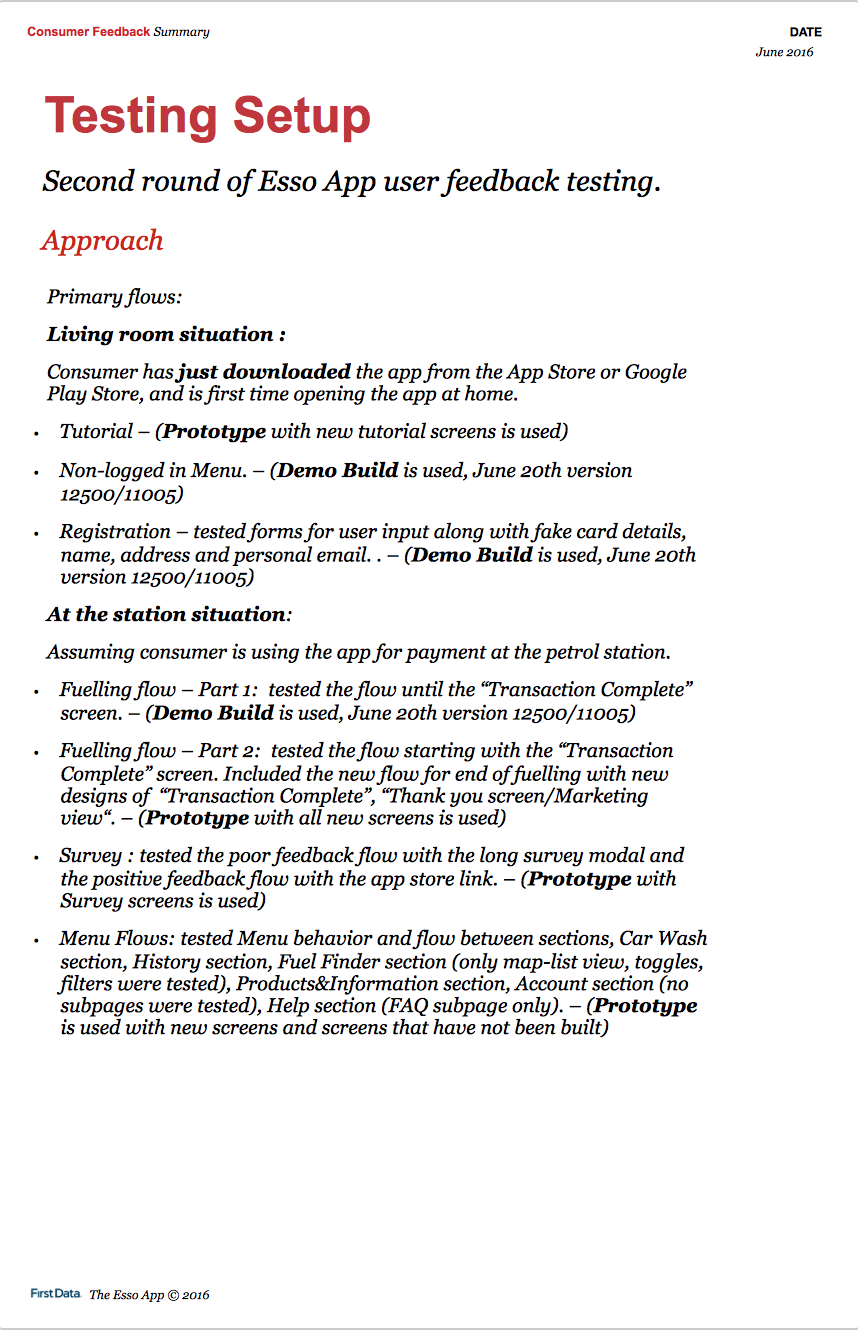
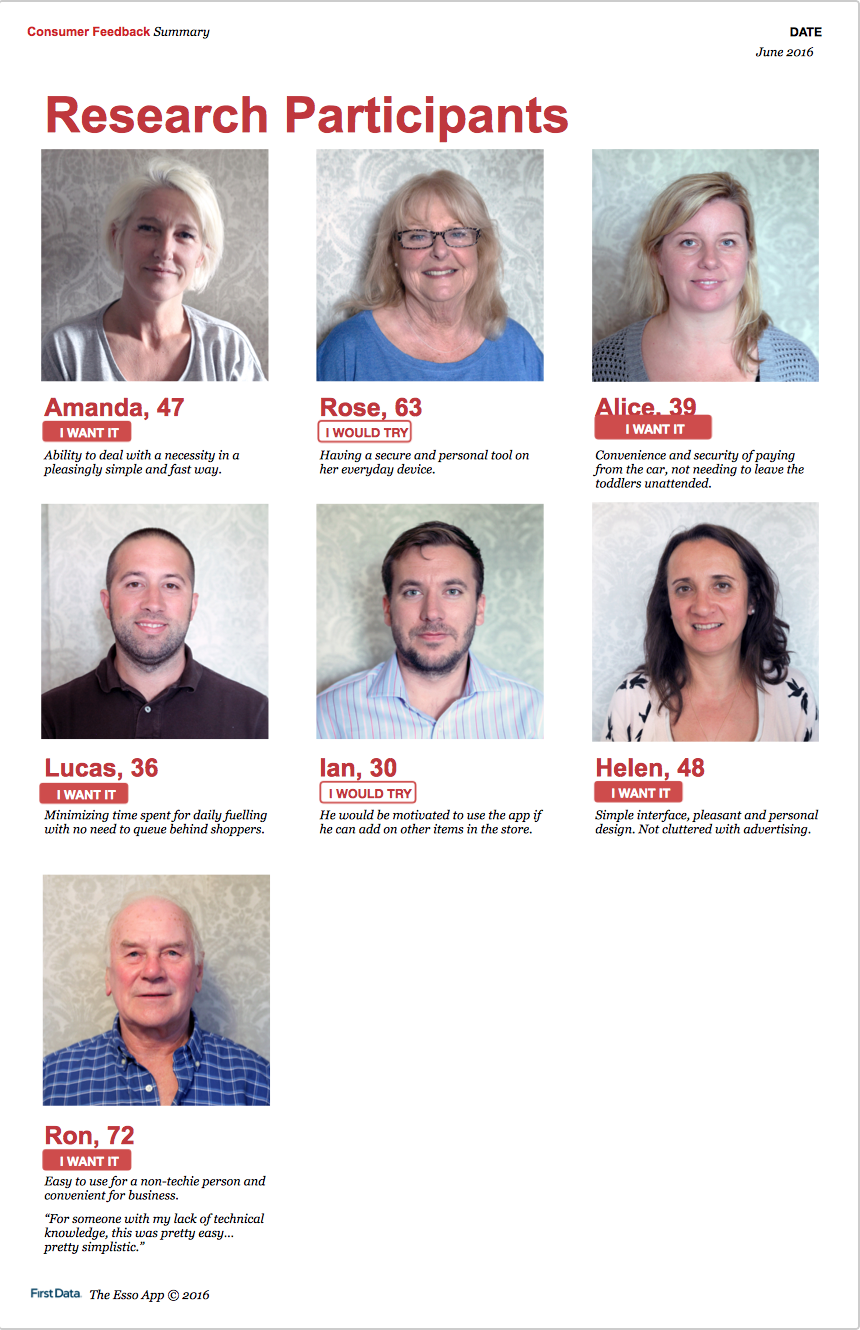
In collaboration with a program manager, I interviewed 7 participants for two rounds of concept evaluation and usability testing. Interviews took place in participants’ cars mimicking fueling rituals, and later in a living room to discuss additional topics.
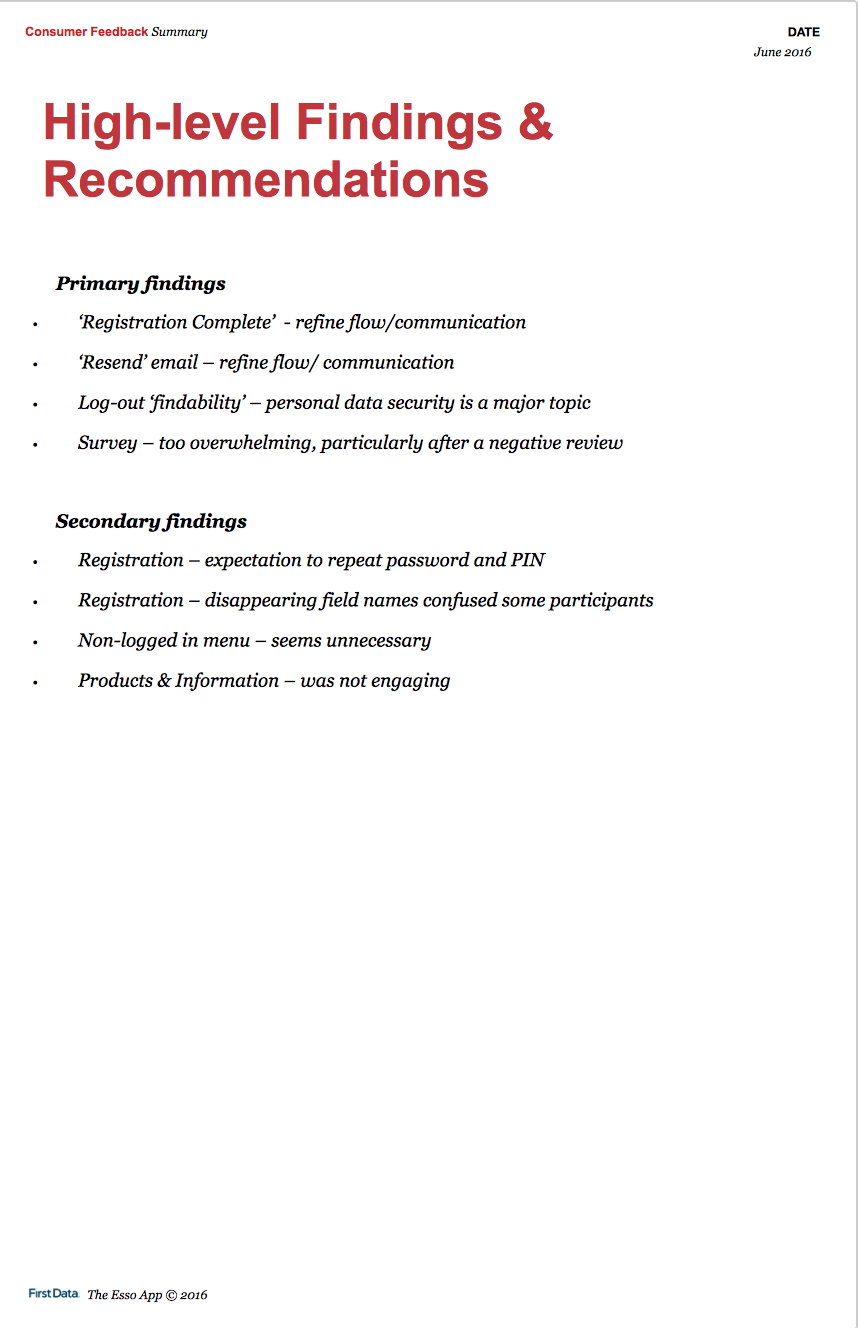
Usability rounds: We tested key flows, registration, adding a card and fueling for first time. We wanted to observe how easily users can get through each, note major and minor problems. For walkthrough, we used build demos and prototypes, making users talk out loud and asking follow up questions.
Concept evaluation and learnings: We wanted to know if users saw enough value to use the app, what features they thought were missing or were not useful. Clients were concerned about security and if users would trust the app to input card details before fueling. The value proposition of the app (efficient, fast fueling without queuing) made most users, even the non-tech savvy ones say that’d absolutely use it.
Some users were not sure about the value and insisted they’d still want to go into the store. For these users, we discussed future functionality such as add-on shopping from station that’d add enough value.
Some learnings and enhancements: We quickly noticed how the simple app interface was non-intimidating and easy to use for users from different demographics and experience with technology.
Especially the fueling flow was a big concern. It was partially user initiated - user selecting the pump they parked at, and partially system initiated - fueling state which is activated as user picks up the physical pump and start fueling. It also had to communicate to users what to do in each step.
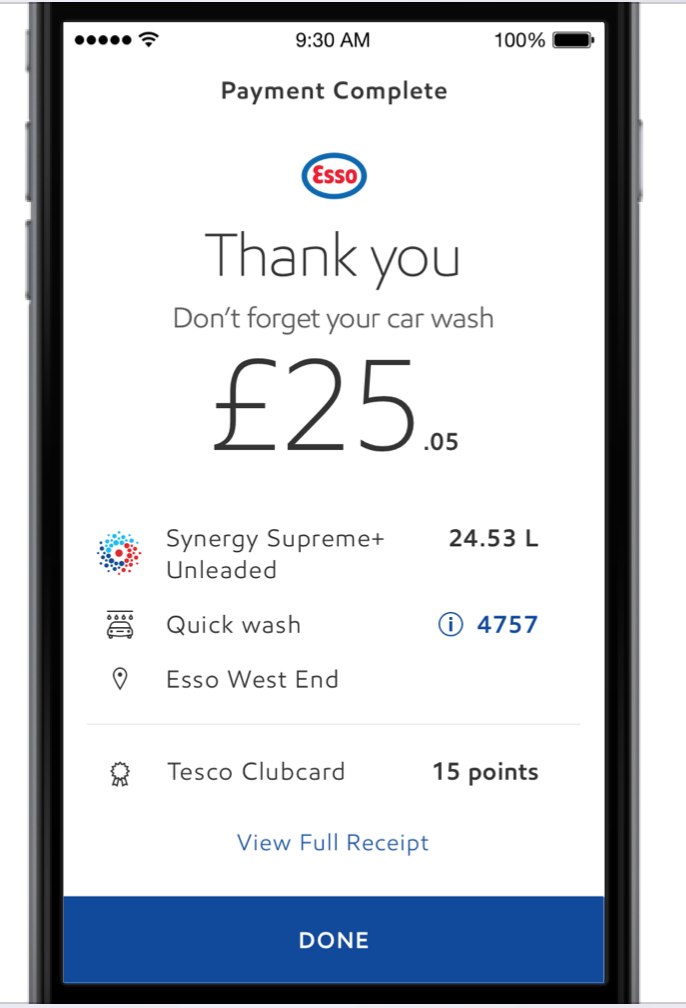
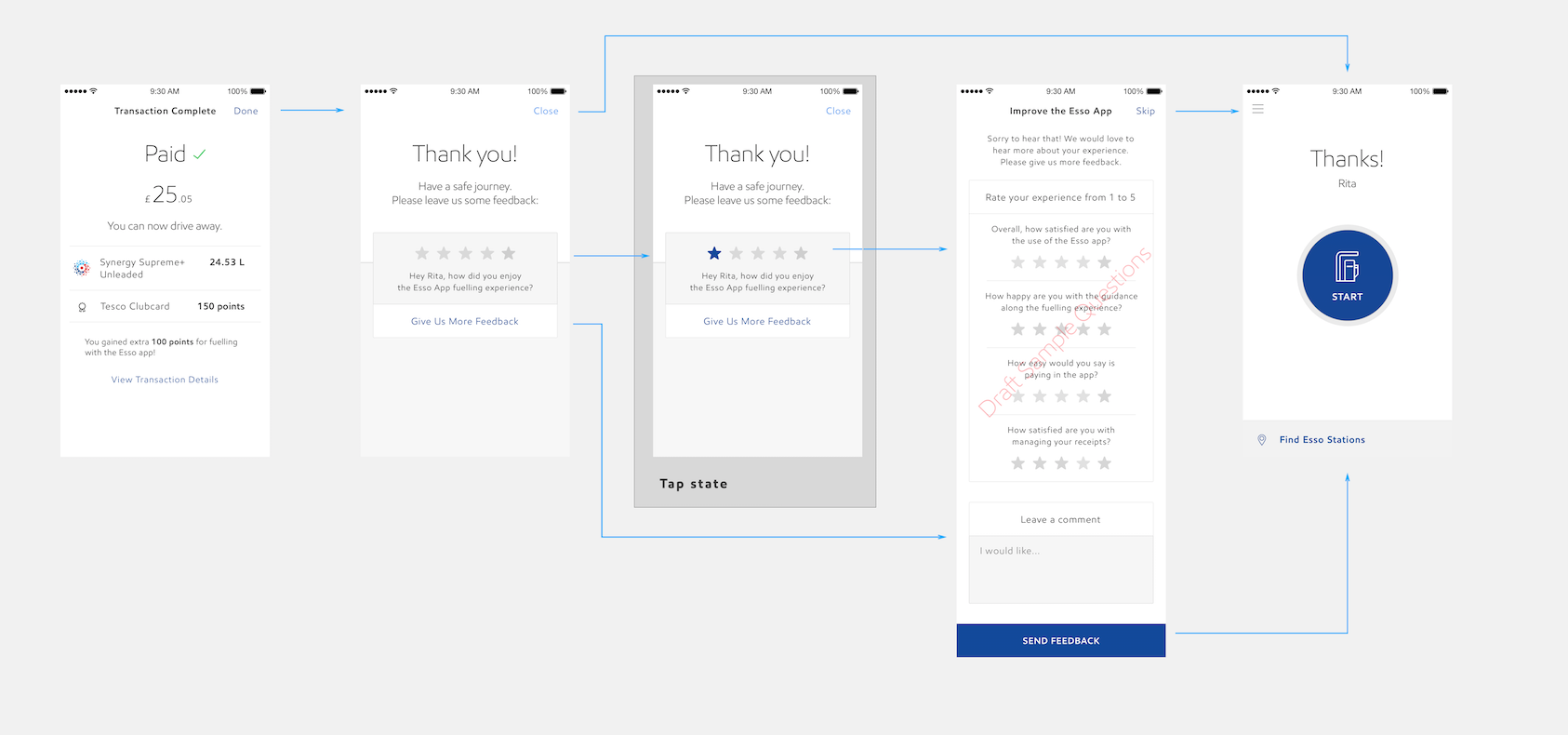
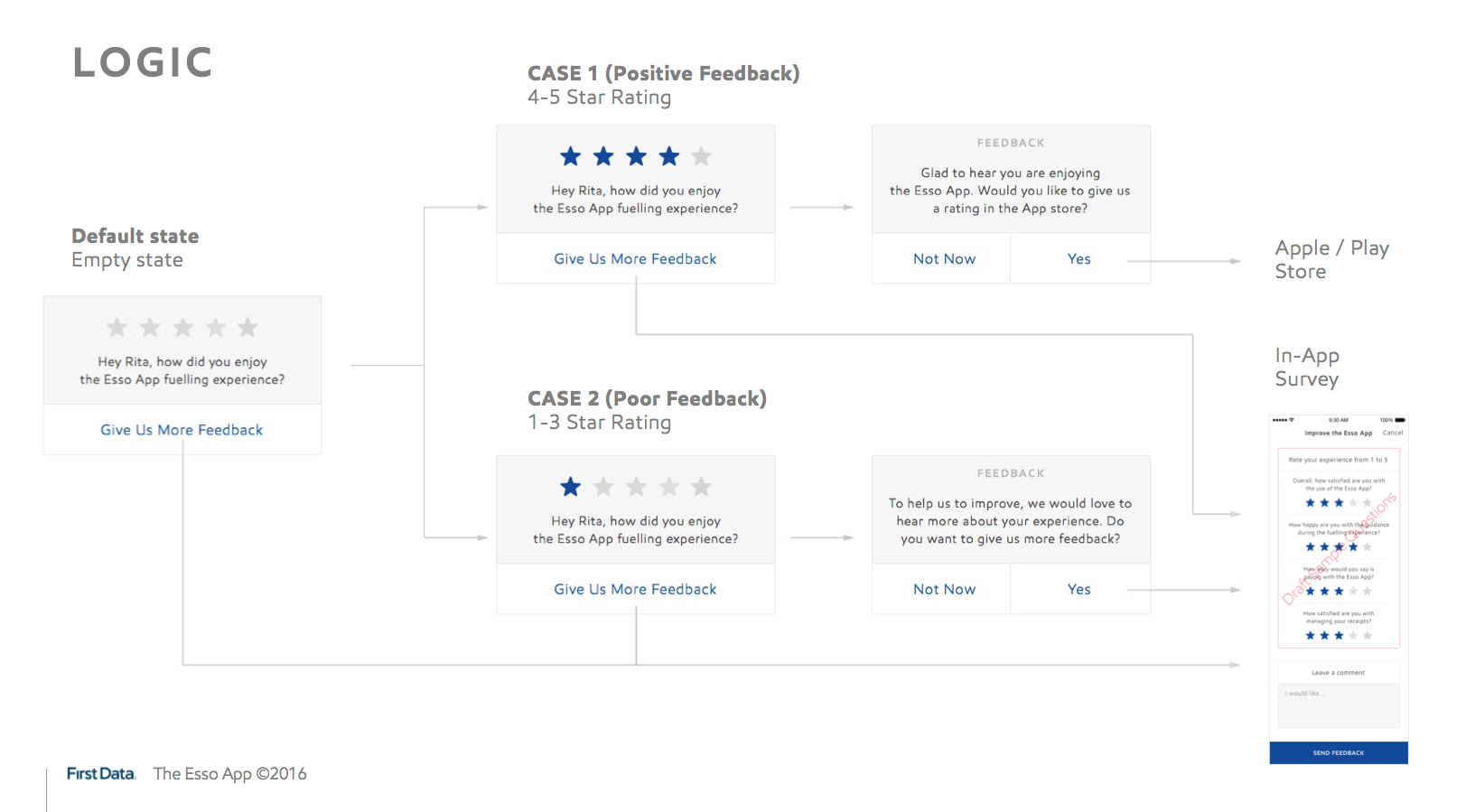
Users mostly got through the fueling flow succesfully. On round one testing, biggest issue was at the end, when users were not sure if payment was complete and if they could drive away. We addressed this by adding explicit messaging at the end to communicate payment is done and that they can drive away. On the second round, end of fueling was clearer to all participants. We also wanted to hear feedback and suggestions from users, added a last conditional step for optional survey.
Another finding was that most users were confused with or did not notice the car wash feature which was an option on the first step of fueling flow. We realized it was out of place at that moment and suggested to take it out to let users get through fueling faster.
2. Expanding to a system and documenting
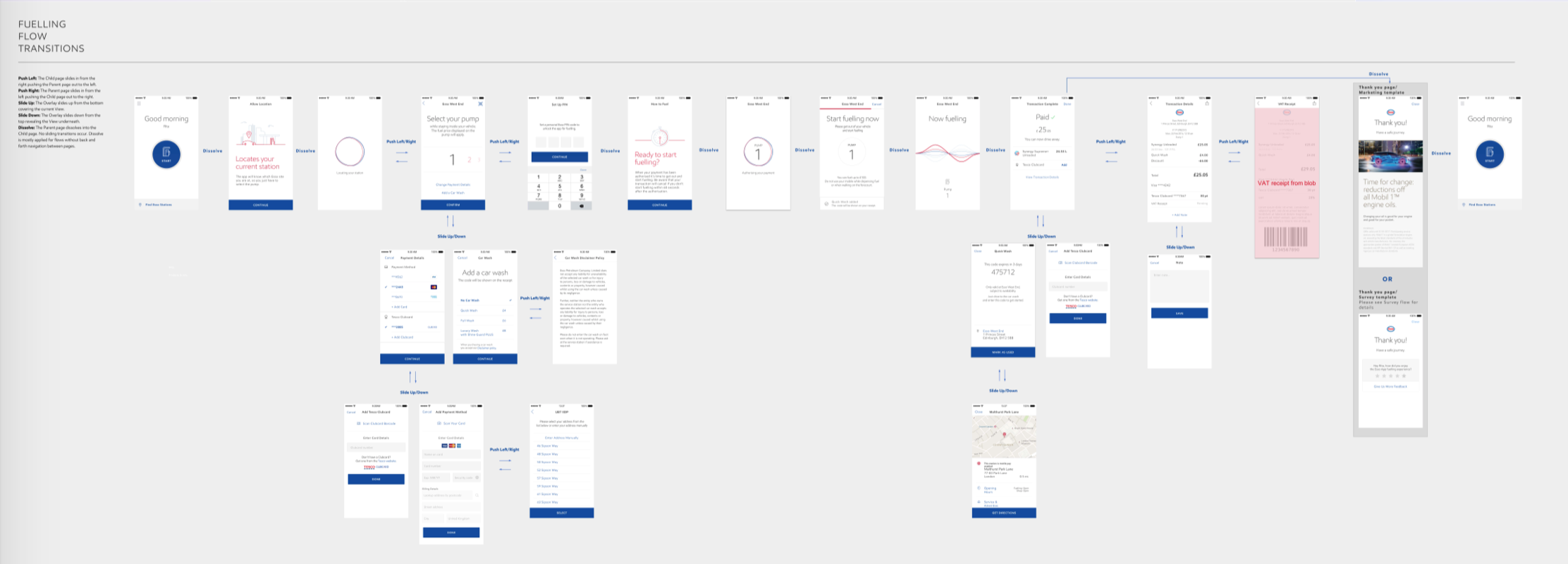
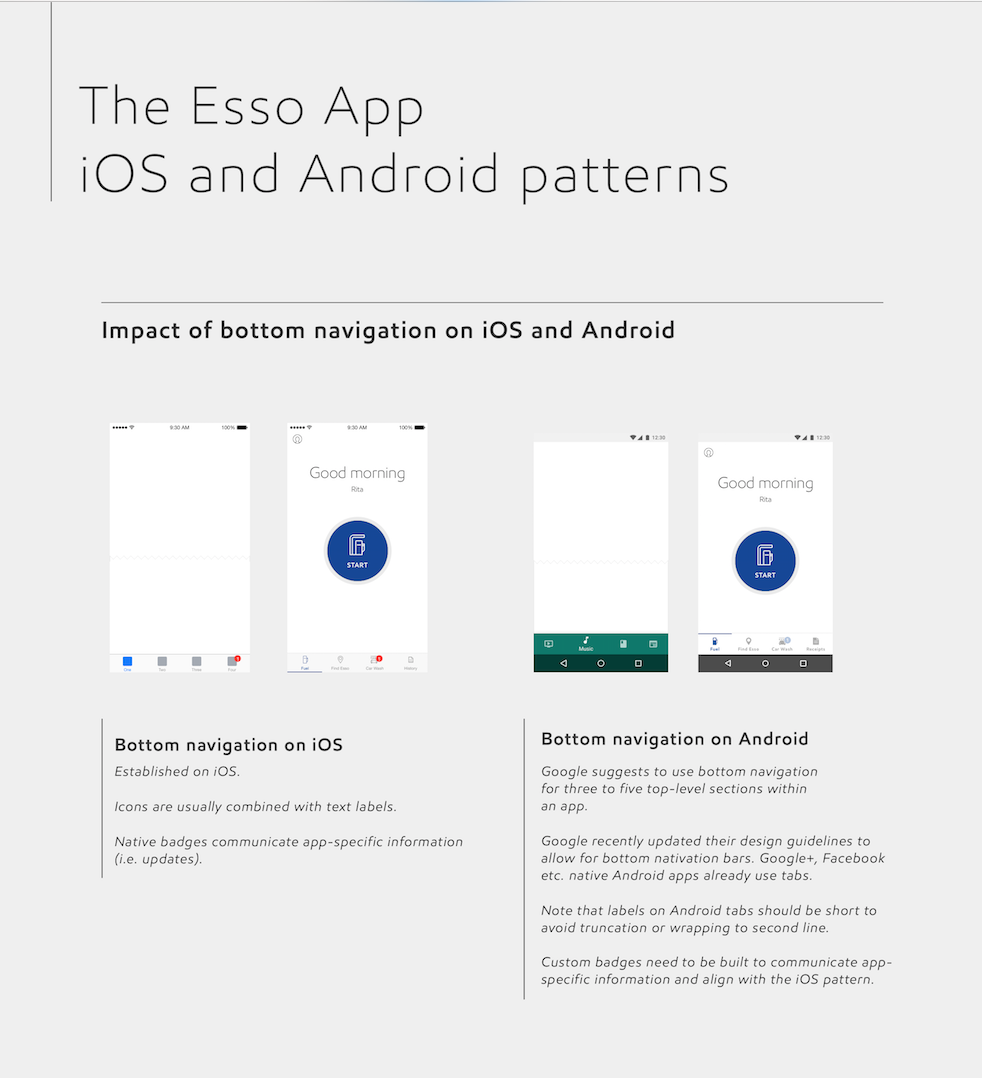
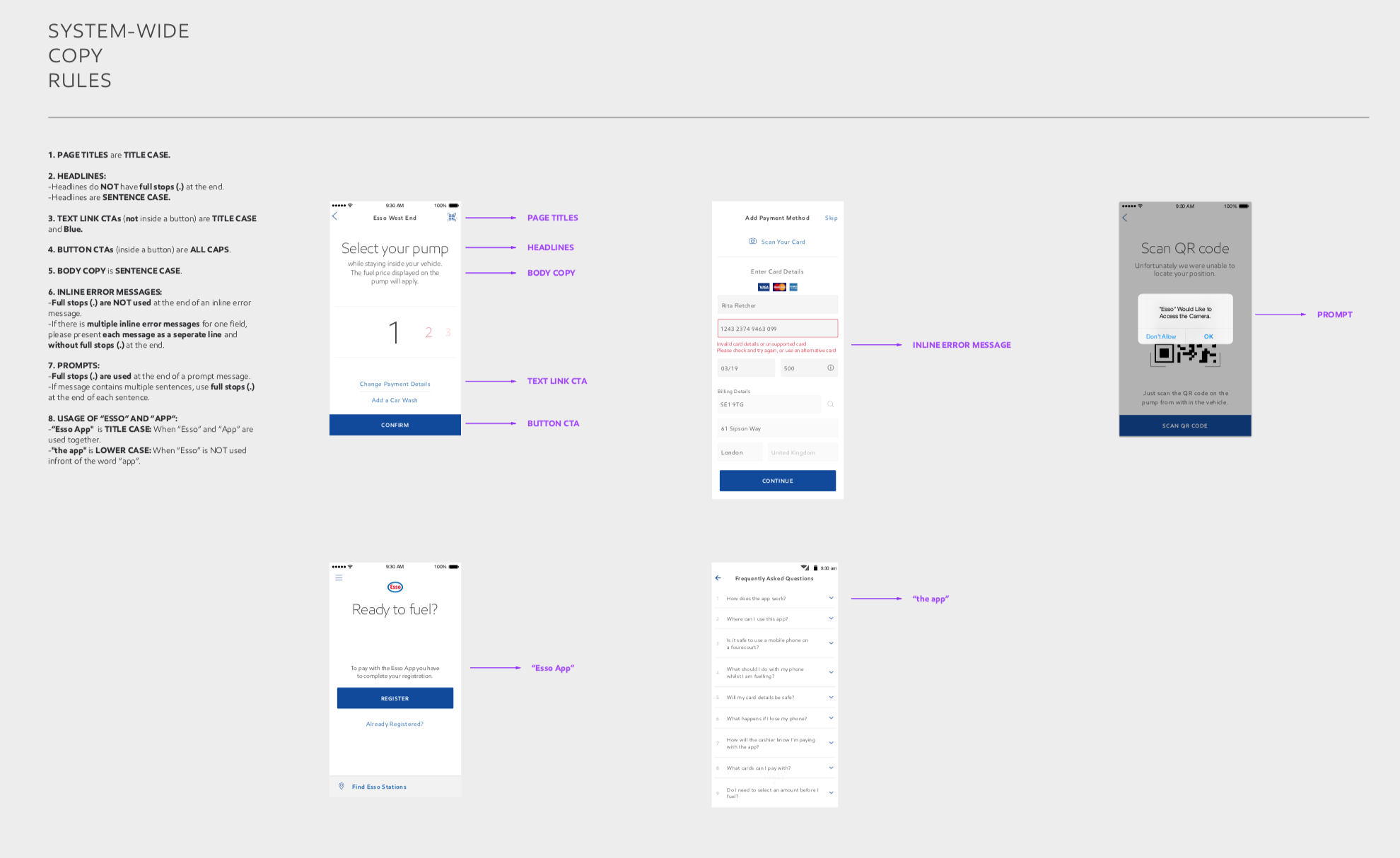
During phase one, frog team has established main flows and client has started building the Android app from those. I worked on supporting complete set of use cases to deliver the product to the market. As the only designer on frog side, I worked with the initial design language delivering final designs instead of wireframes. I helped expand these initial designs into a full design system that was also used for iOS.
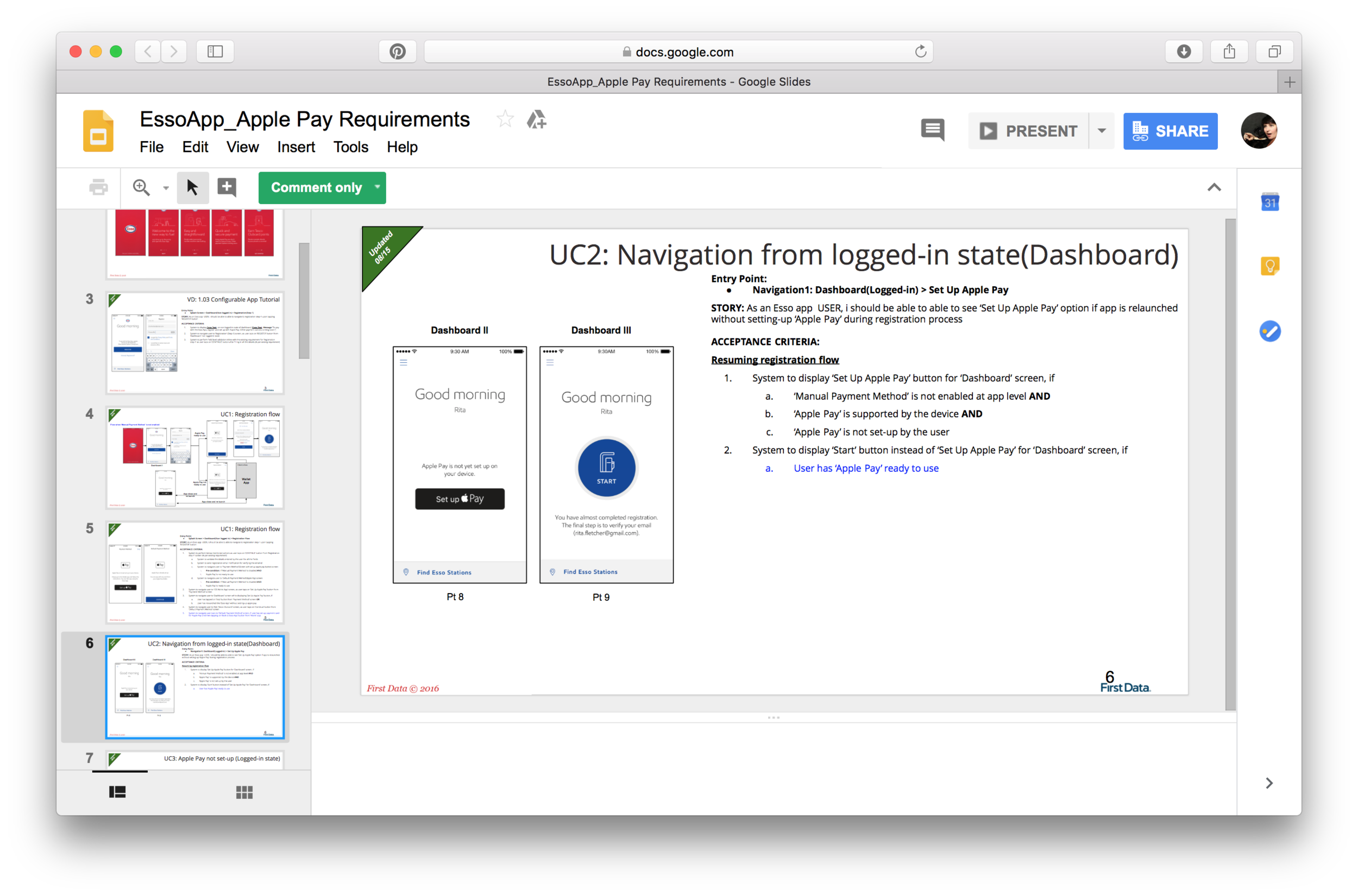
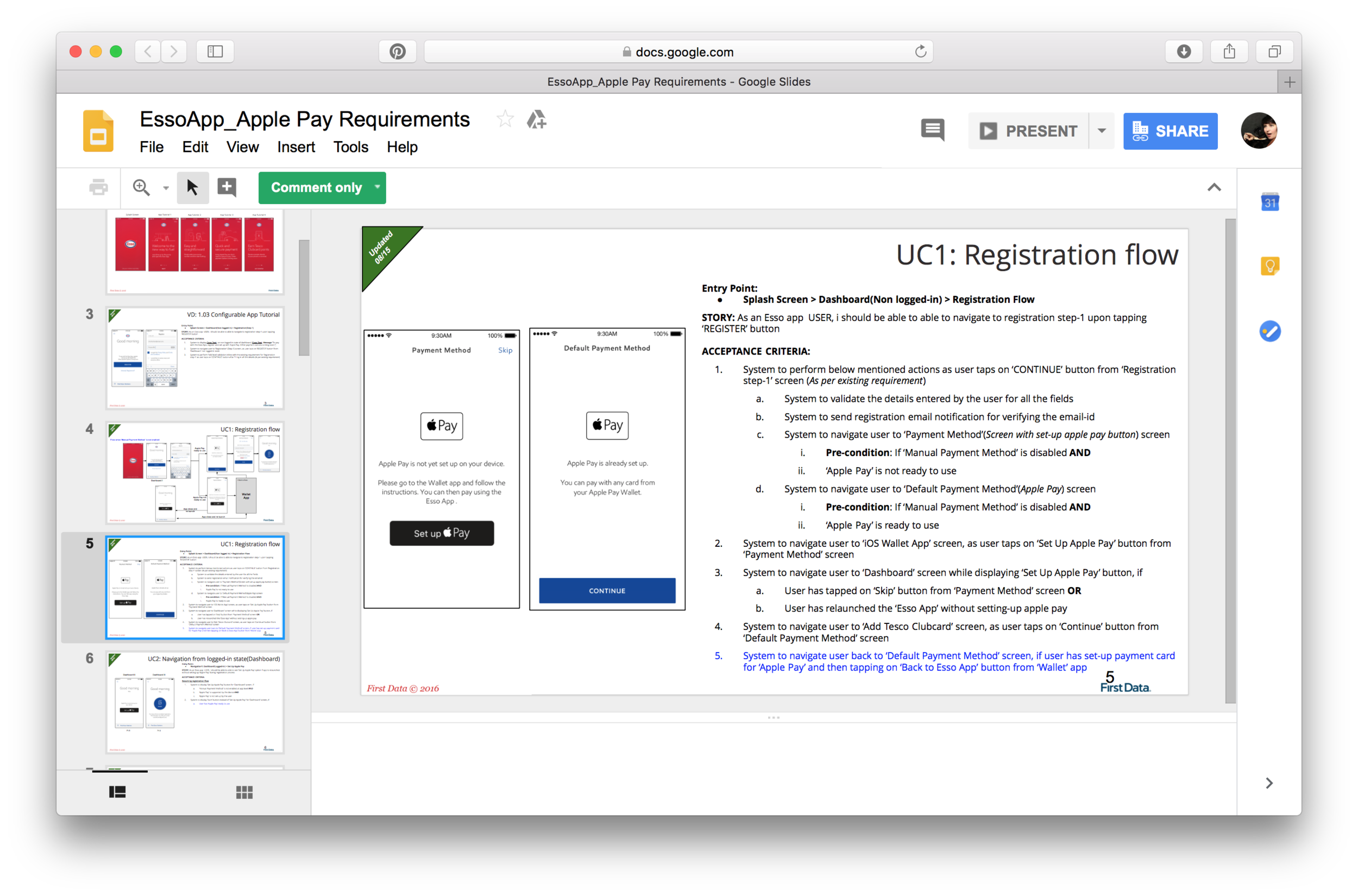
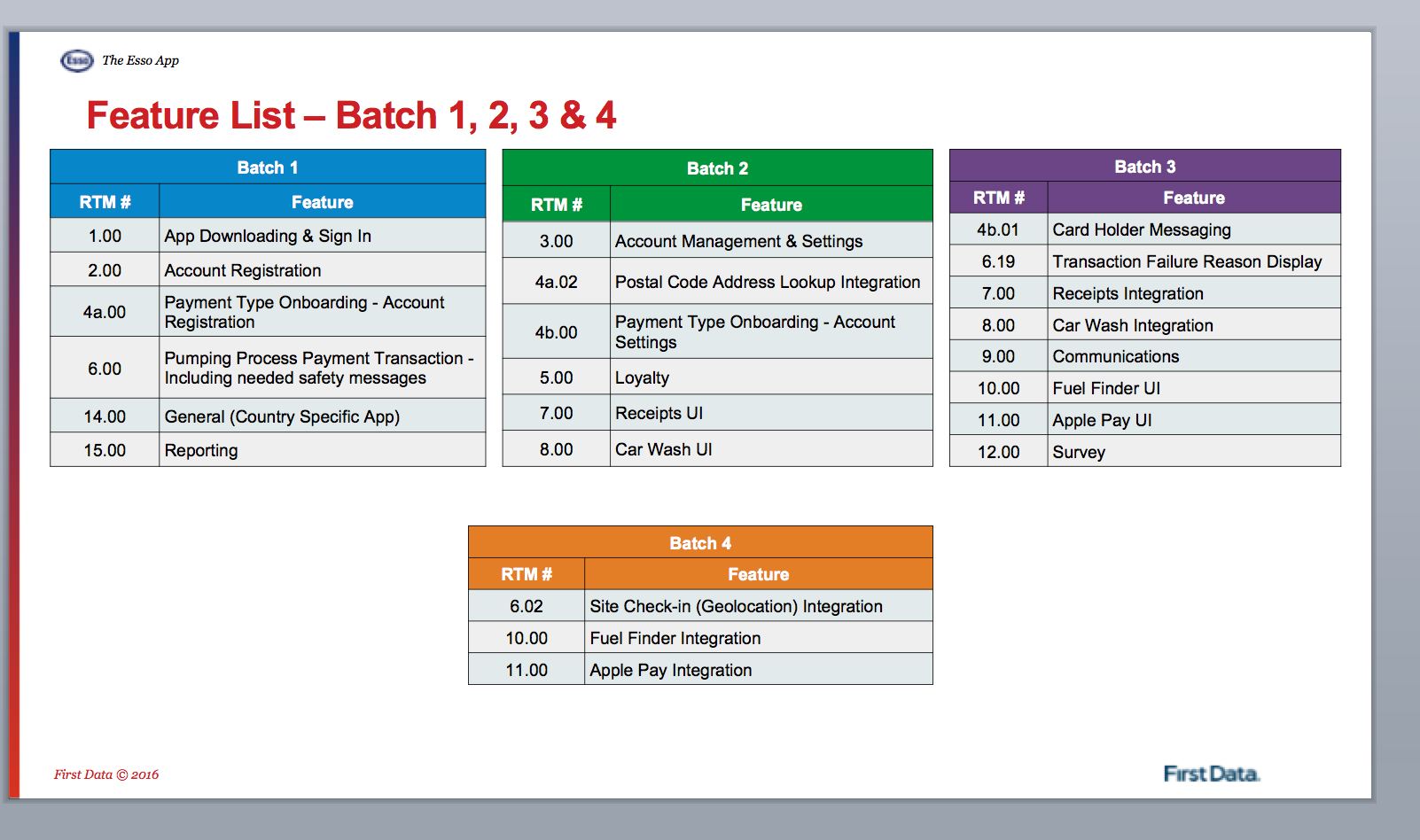
Other than the design efforts, I also needed to document ongoing work in form of flows, intended functionality documentation for development teams and even system-wide rules for copy and language.
3. supporting development process
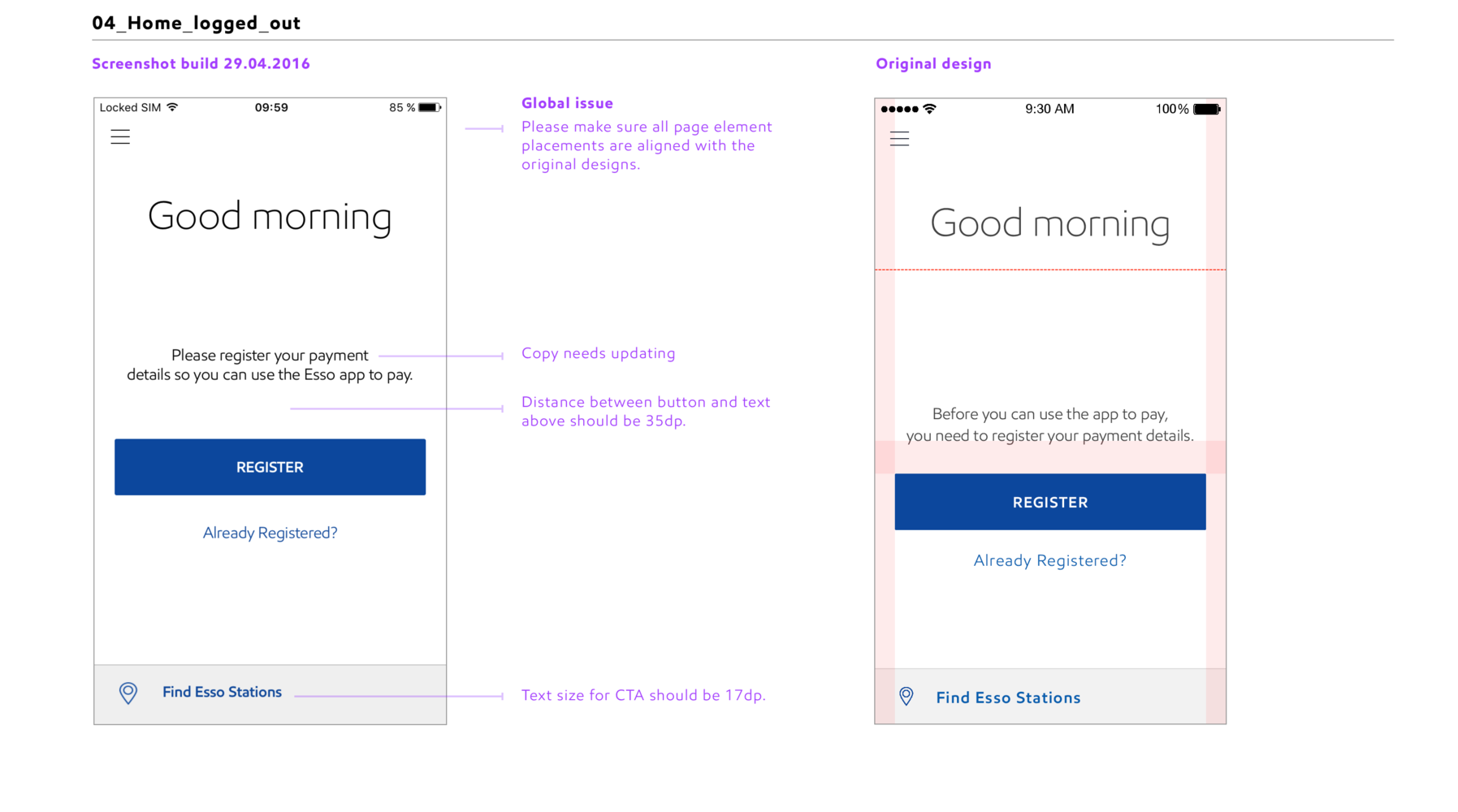
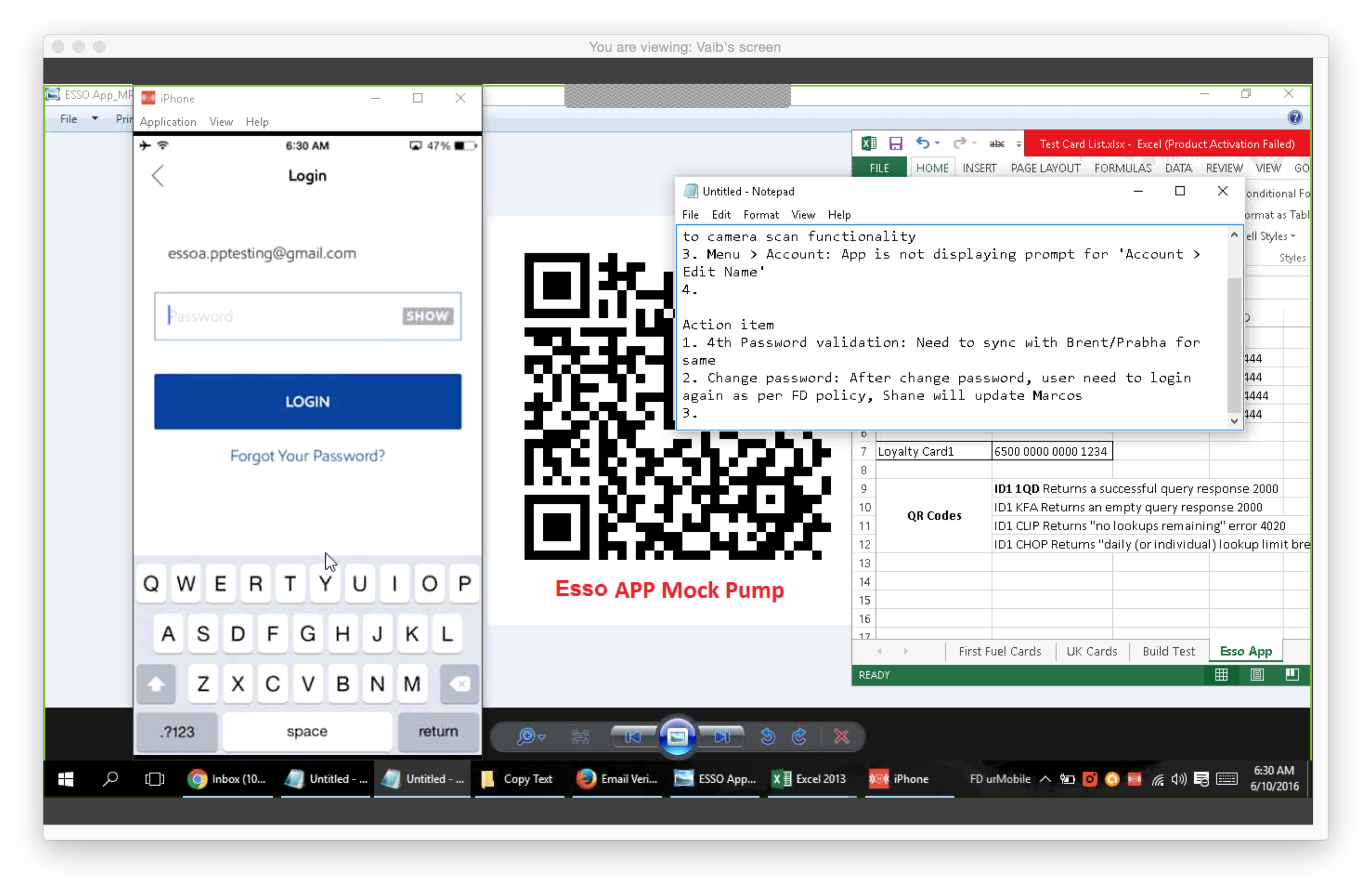
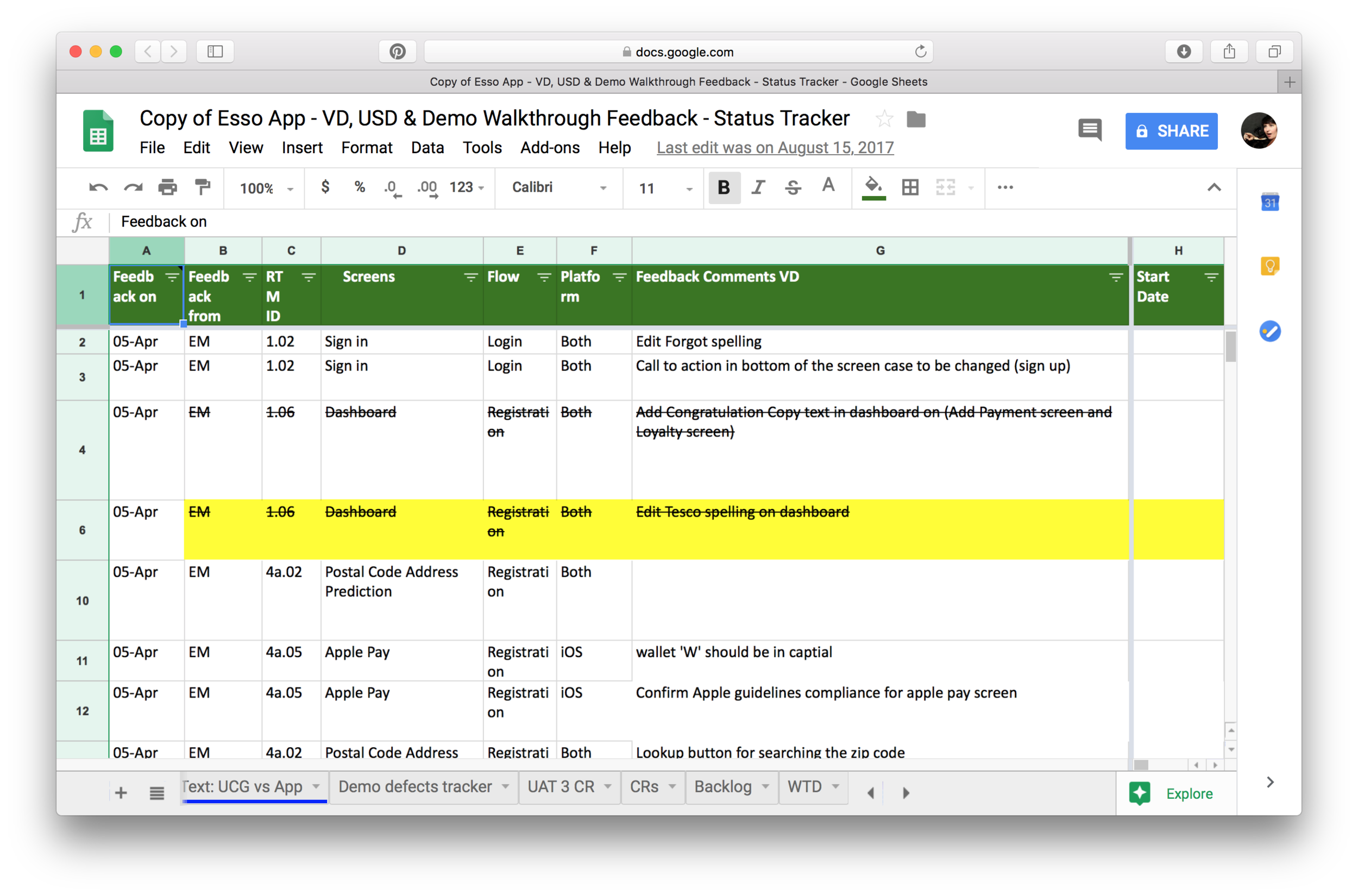
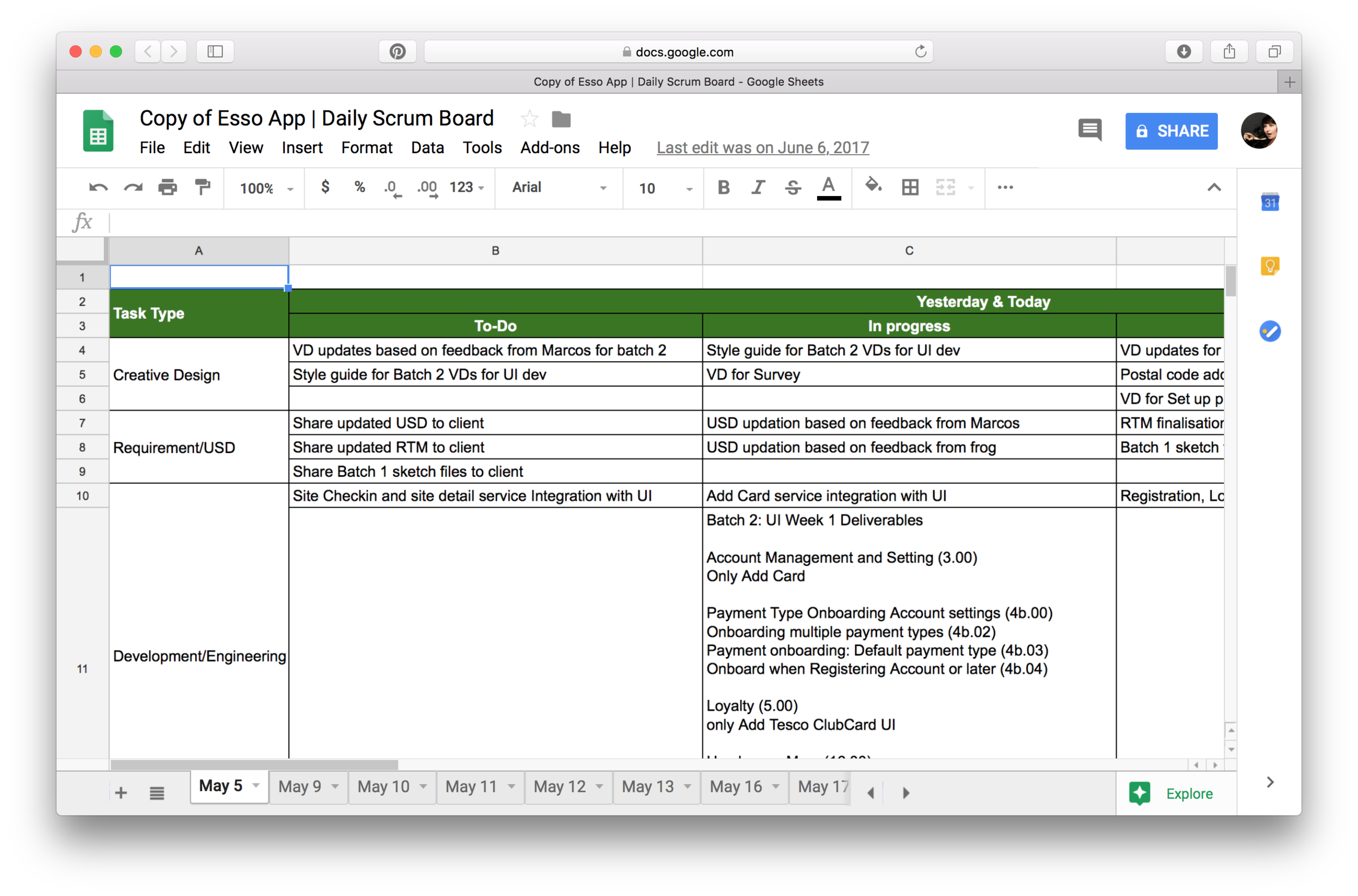
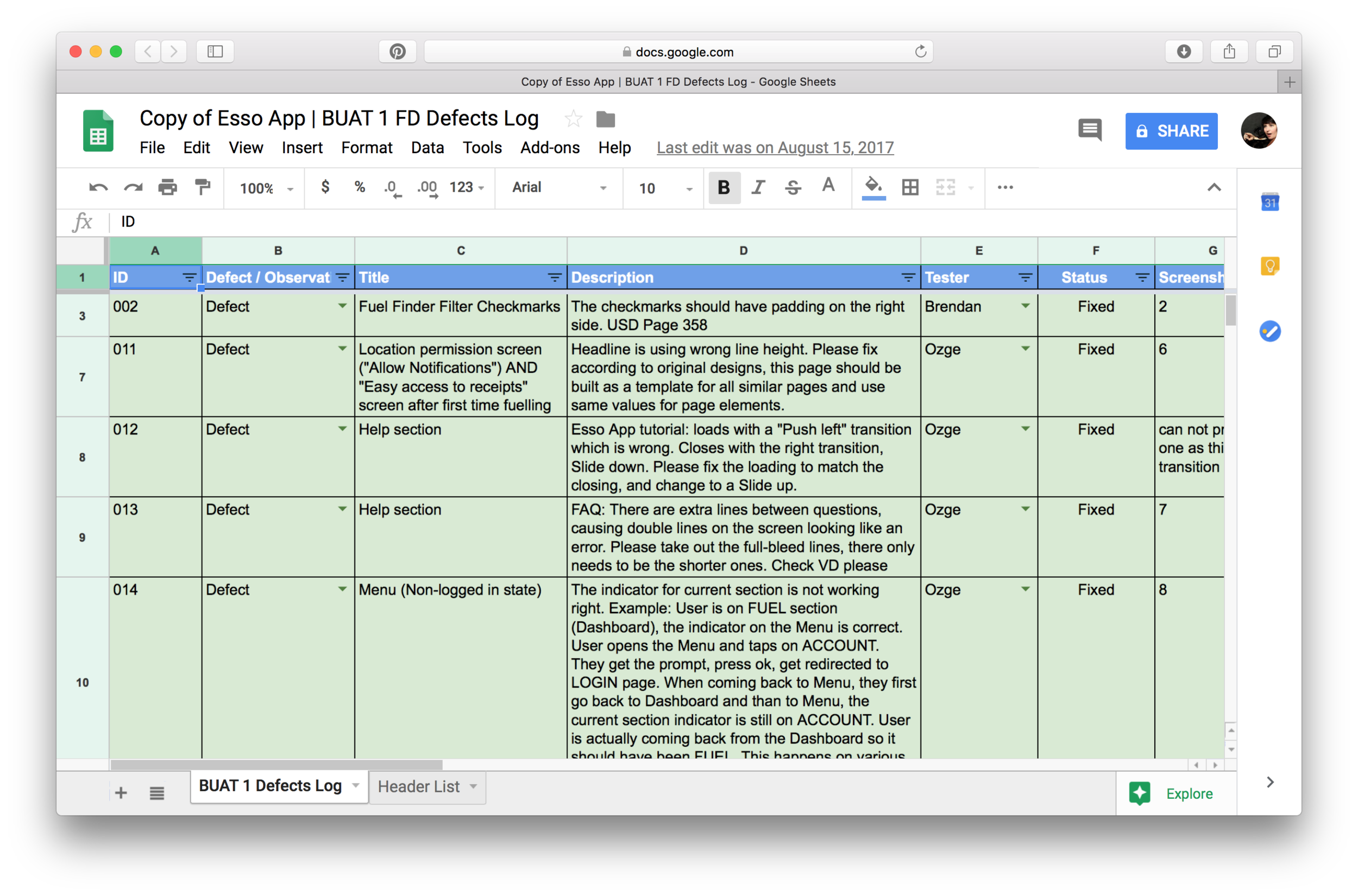
To support development we took part in daily scrum calls, took part in QA, documented visual design and functionality defects and tracked them through completion.
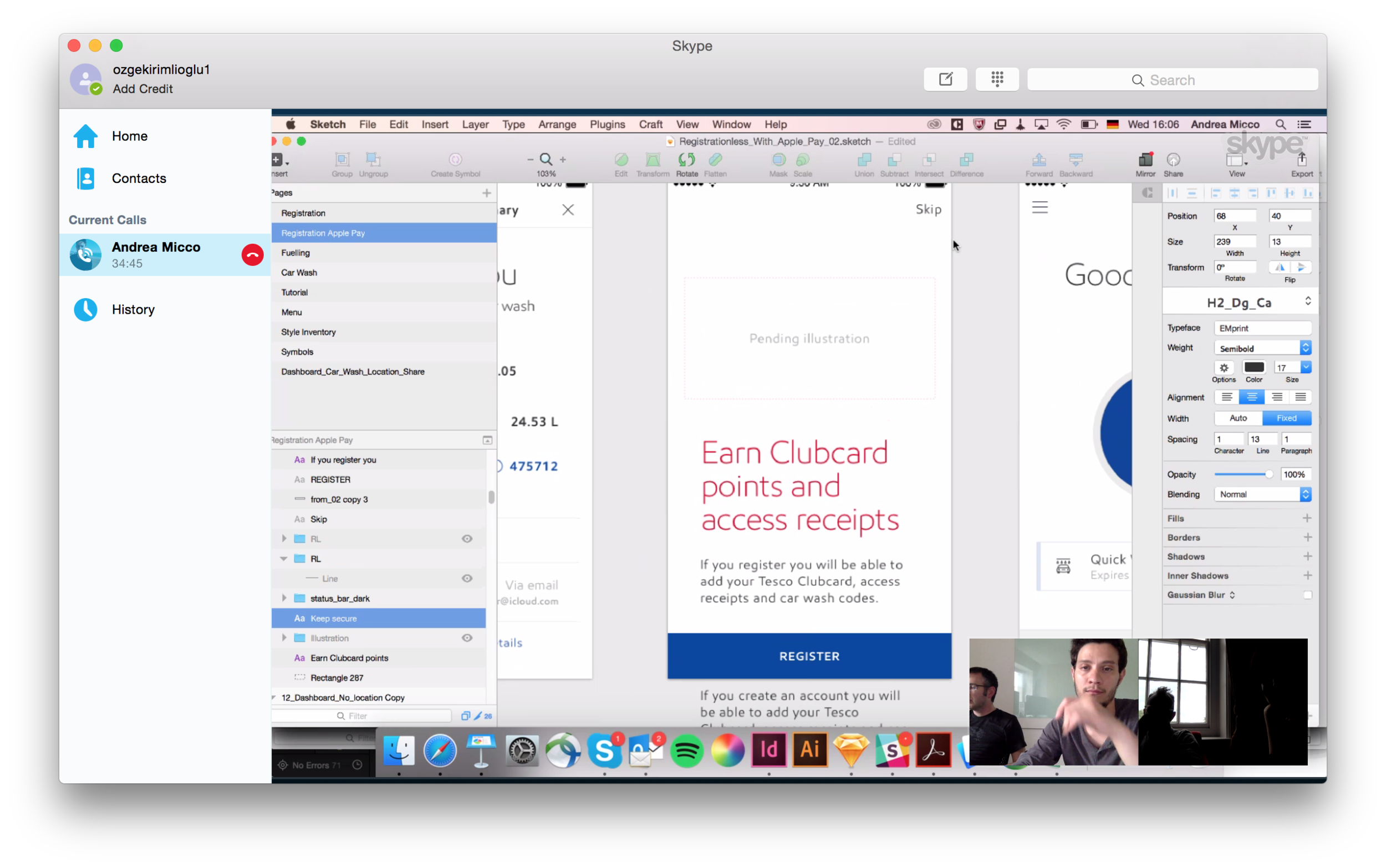
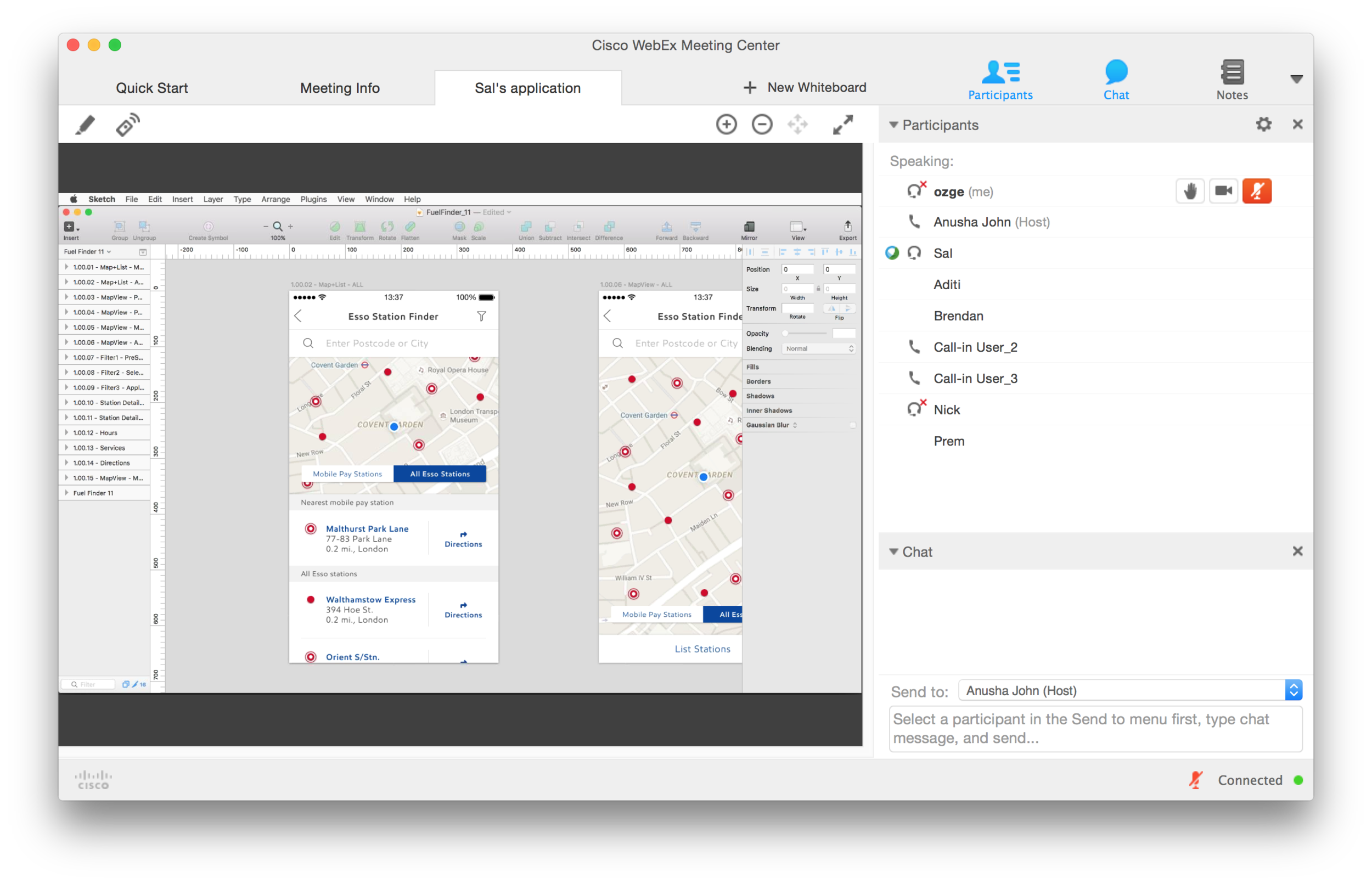
To communicate best with the offshore teams, I took on more of a hands on approach and worked with BAs to help them document functionality, which at times meant 10 hour calls. We also had regular calls to problem solve and ideate on the spot.
4. day-to-day client management & creative direction for partner design teams
We were also working with a team of designers on client side who were working on the iOS app simultaneously. I was the day-to-day creative lead having daily design sessions, sharing screens and ideating real time.
I was also the day-to-day client lead. Built a good relationship with the product owners through frequent calls, some open, honest conversations about development capabilities and pushing them and the development partners to deliver the best possible user experience.